

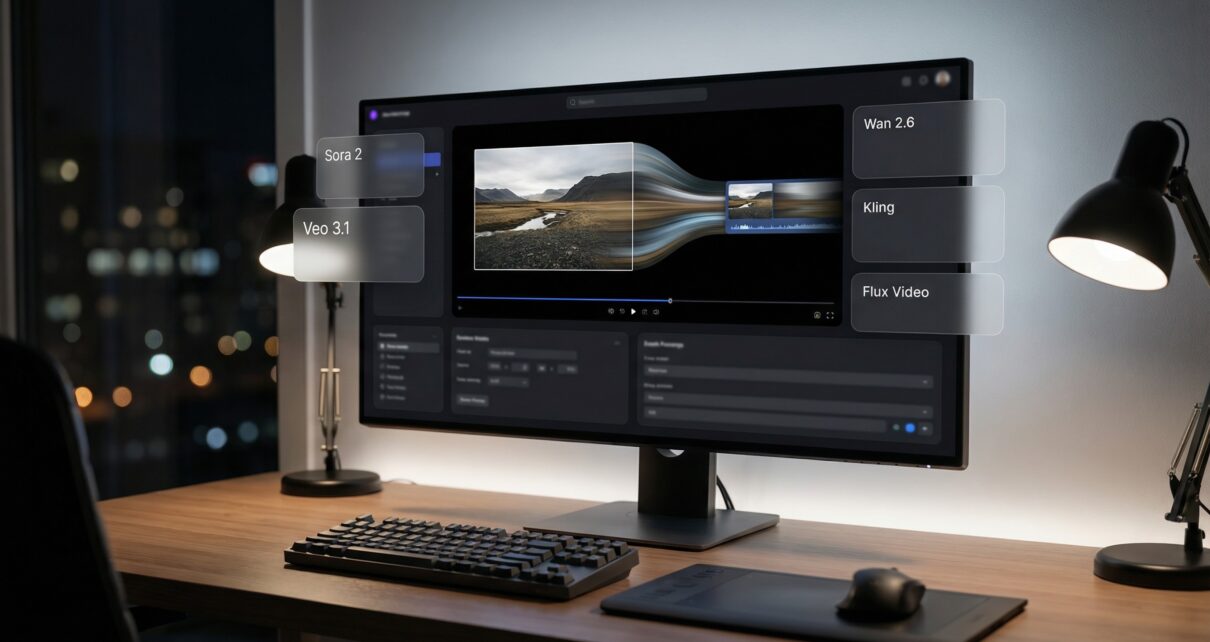
Creators rarely fail because AI models are weak. They fail because their workflow is chaotic. They jump between tools, lose reference context, rewrite prompts from memory, and pay for regenerations until they finally accept “good enough.” That is not a model problem. That is a pipeline problem.
In 2026, the fastest way to ship high-quality assets is a workflow-first system where you control variables, compare outputs early, and only invest cost (upscales, longer renders) after you have a stable direction. This is the difference between random prompting and repeatable production.
Below is a practical pipeline that works for three common goals: AI video generation workflow dashboard, AI image generation, and AI art creation, without getting locked into one tool.
Start with a spec, not a promptBefore generating anything, write a short spec. This is what keeps outputs consistent and makes results repeatable:
Format: 16:9, 9:16, or 1:1
Duration (for video): 4s, 6s, 10s
Style: pick one dominant style (cinematic realism, anime, illustration, etc.)
Subject rules: what must stay consistent (character identity, product shape, logo placement)
Motion rules: slow push-in, gentle pan, static, handheld
Shot list: 3 to 7 shots max, each with a purpose (wide, medium, close)
Most wasted spend comes from skipping this step. If you do not define constraints, every regeneration changes the “rules” and you cannot converge.
Build with style frames first
If your goal is AI video, do not start with video. Start with images. The image step is where you lock the look.
Generate 4 to 8 style frames that define:
character or subject design
lighting direction
color palette
environment geometry
overall mood
Then select one primary reference frame. This becomes your anchor for the entire project.
Practical rule: if you cannot keep the subject consistent in still images, you will not keep it consistent in motion.
Lock consistency variables early
Consistency is variable control. Once you pick the direction, lock these:
aspect ratio (do not change mid-project)
reference image (do not swap every run)
camera language (wide, medium, close, and keep it coherent)
style language (avoid mixing multiple styles in one generation)
If your image model supports seeds, lock a seed for your style-frame generation. Even when video models do not expose seeds, stable references and stable camera language drastically reduce drift.
Convert image to video with controlled motion
The best way to break a perfect frame is asking for too much movement. Start with minimal, controlled motion:
slow push-in
slow pan
subtle parallax
minimal subject motion (blink, slight head turn, fabric movement)
Avoid early:
fast camera moves
big character actions
scene transitions
dramatic lighting shifts
Treat motion like a dial. Establish a stable baseline clip first, then increase motion only if it remains consistent.
Use compare points to reduce cost
Regeneration loops are the main cost driver. The solution is compare points: moments where you compare outputs and commit.
Three compare points that consistently save time and money:
Compare point A: style frames across two image engines
Generate a small set of frames in two different models. Choose the best direction, then stop exploring.
Compare point B: motion across two video engines
Use the same reference frame and the same intent. Compare on:
temporal stability (flicker, warping)
identity retention (face, logo, product shape)
texture stability (hands, hair, text artifacts)
speed and cost
Commit to the winner for that project. Do not model-hop mid-way.
Compare point C: upscale only winners
Never upscale early. Upscale multiplies cost on assets you will discard. Upscale only after selection.
Write prompts for control, not for hype
Prompts that sound impressive can be unpredictable. For repeatability, use modular blocks:
Subject block: who/what, clear descriptors
Environment block: location and constraints
Camera block: framing and movement
Lighting block: one consistent lighting direction
Style block: one dominant style
Negative block: what must not change (no extra people, no text overlays, no logo changes)
Keep prompts clean. Conflicting style instructions are a common cause of artifacts and drift.
Why multi-model workflows outperform single-tool loyalty
No single model is best at everything. Some excel at photoreal images, others at stylized art, others at motion coherence or identity retention. A workflow-first system lets you choose the best tool per step while keeping the pipeline stable.
The advantage is not “more models.” The advantage is control: generate, compare, commit, and ship with predictable cost.
Platforms like Cliprise are built around reducing multi-tool friction by letting creators generate and compare across models inside one dashboard with a consistent workflow and unified credits. This is especially useful when you are building both AI image generator workflow and AI video assets and need repeatable outputs rather than one-off luck.
If you want consistent results in 2026, stop thinking in single prompts and start thinking in pipelines. Lock the look with style frames, control motion, compare early, and only pay for quality at the end of the chain.